
Sanity CMS is a headless content management system designed for businesses and development teams that want more control over how content is structured and delivered.
Unlike a traditional CMS that commonly combines content management and website presentation, Sanity separates the content layer from the frontend. This allows the same content to be used across websites, mobile apps, e-commerce experiences, and other digital products.
That flexibility sounds appealing, but it also raises practical questions. Is Sanity suitable for a small business website? Does it require coding? How does Sanity Studio work? What is Content Lake? How does it compare with WordPress? And what will a Sanity project actually require?
This guide answers those questions and explains when Sanity makes sense—and when a simpler CMS may be a better fit.
What Is Sanity CMS?
Sanity CMS is a headless CMS built around structured content.
In a traditional content management system, the CMS and the website frontend are often closely connected. With Sanity, the content management layer can operate separately from the application that displays the content.
A simplified Sanity architecture looks like this:
Content editor → Sanity Studio → Content Lake → API → Website or app
For example, imagine an online retailer selling thousands of products. Each product could have structured information such as:
- Product name
- Description
- Price
- Images
- Brand
- Specifications
- Categories
- Related products
- Availability
That information can then be delivered to a website, mobile application, or another digital experience.
This is the main idea behind a headless CMS: manage content independently from the way that content is presented.
How Does Sanity CMS Work?
Understanding the basic workflow makes Sanity easier to evaluate.
1. Content Is Created in Sanity Studio
Sanity Studio is the editing environment where content teams create and manage information.
Developers can define custom content types and fields based on the project’s requirements.
For example, a publishing company might create content types for:
- Articles
- Authors
- Categories
- Images
- Videos
- Related stories
An editor can then work with those predefined structures instead of treating every article as an unstructured block of text.
Sanity describes Studio as a customizable, real-time collaborative content workbench that can be extended using modern web technologies. You can explore the Sanity Studio documentation for more technical details.
2. Content Is Stored as Structured Data
The content is stored separately from the frontend.
This means a product, article, author, or other content item isn’t necessarily tied to one specific webpage design.
For example, a product record can be reused by:
- A product page
- A mobile app
- A product recommendation component
- A search experience
- Another digital channel
This approach is particularly useful when a business wants to reuse the same information across several experiences.
Sanity’s Content Lake documentation provides more information about how structured content is stored and accessed.
3. Applications Retrieve the Content Through APIs
The frontend communicates with Sanity to retrieve the information it needs.
Developers can query content, select particular fields, filter results, and work with relationships between documents.
For example, an application could request the latest five articles and return only:
- Title
- Featured image
- Author
- Publication date
The frontend then decides how that information should look to visitors.
4. The Frontend Displays the Content
The website or application can be built separately using a modern frontend framework.
Common options include:
- Next.js
- React
- Astro
- Nuxt
- React Router
This separation gives developers greater control over the user experience and application architecture.
For projects using Next.js, Sanity provides dedicated Next.js integration documentation.
What Is Sanity Studio?
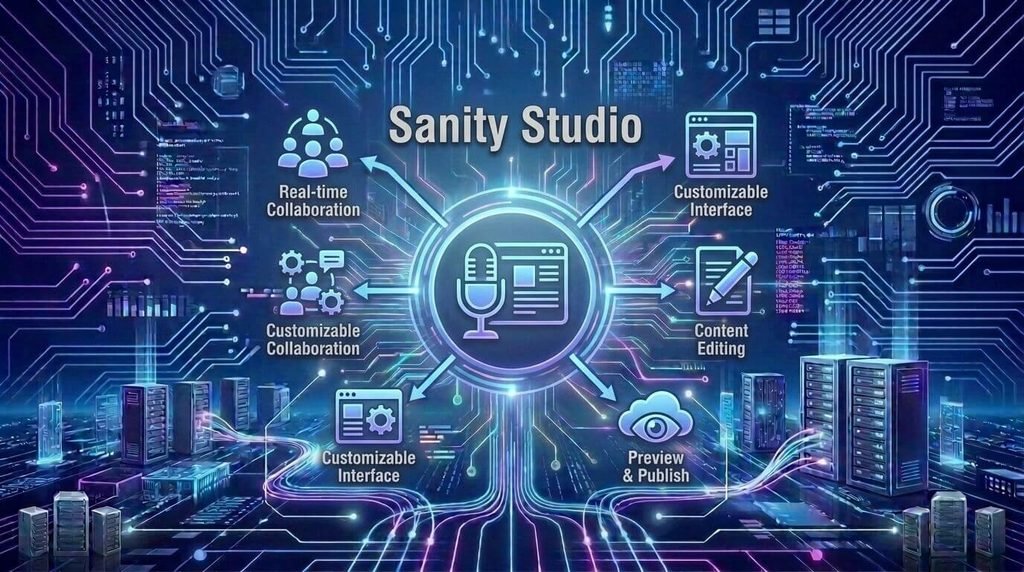
Sanity Studio is the content editing interface for a Sanity project.
It’s useful to distinguish Studio from the other parts of the platform:
- Sanity Studio: where editors create and manage content
- Content Lake: the structured content layer
- APIs: how applications access content
- Frontend: the website or application visitors interact with
One of Studio’s major advantages is customization.
Suppose an e-commerce company has a complicated product catalog. Developers can create schemas that reflect the company’s actual product structure rather than forcing editors to work with generic fields.
A publishing company could create a completely different Studio experience for articles, authors, editorial categories, and media.
This makes Sanity particularly interesting for organizations with specialized content workflows.
What Is Sanity Content Lake?
Content Lake is the structured content layer used by Sanity.
Instead of thinking about content as individual webpages, think of it as reusable information.
For example:
Article
- Title
- Author
- Category
- Featured image
- Body
- Related articles
- Publication date
The article can then be presented in different ways by different applications.
This separation is useful when the business wants to change its frontend without rebuilding or manually recreating its entire content library.
It can also make content easier to reuse across multiple channels.
For a deeper technical explanation, see Sanity’s Content Lake documentation.
What Is GROQ in Sanity?
GROQ is Sanity’s query language for retrieving and shaping content.
A simple example might look like this:
*[_type == "post"]{
  title,
  publishedAt
}
This asks Sanity to find documents of the post type and return their title and publication date.
The important thing for beginners is not memorizing the syntax. It’s understanding what GROQ does.
Developers can use it to:
- Filter content
- Sort results
- Select specific fields
- Work with references
- Shape returned data
- Build more precise content queries
You can learn more from the official Sanity GROQ documentation.
If you’re not a developer, you don’t need to learn GROQ to manage everyday content in Sanity Studio. Developers use it behind the scenes to connect content with applications.
Key Features of Sanity CMS
Sanity’s features are easier to understand when connected to real business needs.
Structured Content
Structured content allows developers to define how different information should be organized.
For example, an electronics retailer can create separate fields for product specifications instead of putting everything into one description field.
This makes content easier for applications to retrieve and reuse.
Custom Content Models
Different businesses can model their content differently.
A news website might need:
Article → Author → Topic → Related Story
An e-commerce website might need:
Product → Brand → Category → Related Product
This flexibility is useful when content relationships become more complicated.
Real-Time Collaboration
Sanity supports collaborative workflows, allowing teams to work with content in a shared environment.
For example:
Writer → Editor → Marketing team
can work within the same content operation rather than passing files through multiple disconnected systems.
APIs and Integrations
A headless architecture makes APIs central to the way applications access content.
This can allow a business to connect its content with:
- Websites
- Mobile applications
- Search systems
- E-commerce platforms
- Internal tools
- Other digital services
Localization
Businesses operating in multiple markets can structure content for different languages and regions.
For example, a company might maintain English, French, German, and Spanish versions of its product or marketing content.
The exact implementation depends on the project’s content model and localization requirements.
Sanity provides localization documentation covering different approaches to multilingual content.
Visual Editing
Visual editing can give content editors more context about how their changes will appear in the final experience.
This can be useful for teams that want a headless architecture without completely losing the connection between editing and presentation.
What Can You Build With Sanity CMS?
Sanity can support many different types of digital projects.
SaaS Websites
A SaaS company could use Sanity to manage:
- Product pages
- Blog posts
- Customer stories
- Documentation
- Authors
- Help content
The frontend could then be developed separately with Next.js or another framework.
E-Commerce Platforms
A retailer with thousands of products may benefit from structured product content.
For example, product information can be managed centrally while different applications consume the same data.
This becomes more valuable when a retailer has both a website and mobile application.
Publishing Websites
A publishing company can connect articles with authors, categories, topics, images, and related stories.
This can make a large editorial operation easier to structure and manage.
Documentation Websites
Software companies can use a headless CMS to manage documentation while presenting it through a custom developer-focused frontend.
Mobile Applications
The same content can potentially serve both a website and mobile application.
For example, a recipe business could manage recipes centrally and allow both its website and app to retrieve the same structured information.
Sanity CMS Pros and Cons
Sanity’s flexibility comes with trade-offs. Understanding both sides is important before choosing it.
Advantages of Sanity CMS
Flexible content modeling:
You can create content structures around the needs of the project.
Headless architecture:
The content layer can remain separate from the frontend.
Multi-platform delivery:
The same content can support different websites and applications.
Developer customization:
Developers have significant control over schemas, Studio, APIs, and the frontend.
Reusable content:
Structured information can be reused across different experiences.
Modern development workflow:
Sanity fits well with modern frontend frameworks and API-driven applications.
Disadvantages of Sanity CMS
More technical setup:
A Sanity project generally requires more development work than a basic traditional CMS website.
Separate frontend:
You need a frontend application to display the content.
Developer involvement:
Advanced schemas, integrations, queries, and frontend development require technical knowledge.
Potentially unnecessary for simple websites:
A small blog or brochure website may not benefit enough from a headless architecture to justify the additional complexity.
More components to manage:
Depending on the project, the overall system may involve the CMS, frontend hosting, APIs, integrations, and other infrastructure.
These trade-offs don’t make Sanity good or bad. They simply mean the platform should be matched to the project’s requirements.
Sanity CMS vs WordPress
Sanity and WordPress can both manage website content, but their architectures are different.
| Factor | Sanity CMS | WordPress |
|---|---|---|
| Architecture | Headless | Traditional by default |
| Content model | Highly structured | Posts, pages, custom content |
| Frontend | Usually separate | Usually integrated |
| Customization | Developer-focused | Themes and plugins |
| Setup | More technical | Generally simpler |
| Multi-platform content | Strong use case | Requires additional setup |
| Simple blog | May be more than necessary | Straightforward |
| Custom applications | Strong fit | Possible with development |
| Developer involvement | Often higher | Varies by project |
| Ecosystem | API/developer-focused | Large plugin/theme ecosystem |
When Does Sanity Make More Sense?
Sanity may be worth considering when:
- You need a custom frontend.
- Content will be used across multiple platforms.
- Your content has complex relationships.
- You have developers available.
- You need customized content models.
- You’re building a larger digital product rather than a simple website.
For example, consider a software company with a marketing website, documentation platform, mobile app, and customer portal.
If several of those experiences need access to shared content, separating content from presentation can be useful.
When Is WordPress More Practical?
WordPress may be more practical when:
- You need a straightforward blog.
- You’re building a small business website.
- You want to use themes and plugins.
- Your team wants a familiar traditional CMS.
- You don’t need several custom frontends.
Imagine a local service business that needs a homepage, service pages, contact information, and occasional blog posts.
A traditional CMS may meet those requirements without introducing an API-driven architecture.
The decision should therefore be based on project requirements, not simply which platform has more features.
How Much Does Sanity CMS Cost?
Sanity’s software cost is only one part of the budget.
A real project may involve:
CMS plan + development + frontend + hosting + integrations + maintenance
Potential costs can include:
- Sanity usage
- Development
- Frontend hosting
- Infrastructure
- Third-party APIs
- Search services
- Analytics
- Maintenance
- Future development
Sanity offers different plans and usage levels, and pricing can change over time. Check the current official pricing and usage terms before budgeting a project.
More importantly, don’t compare the price of a Sanity project directly with a basic WordPress hosting package.
The two architectures can have very different cost structures.
For example, a traditional WordPress setup may combine the CMS, database, frontend, and hosting into one relatively simple environment. A Sanity implementation may separate several of those components.
When comparing platforms, consider the total cost of ownership, not just the CMS subscription.
If you’re also estimating the cost of building the website itself, our guide to website development cost explains how complexity, features, development resources, and other factors can affect a project’s budget.
Does Sanity CMS Require Coding?
For everyday content editing, users don’t need to write code just to create and manage content in Sanity Studio.
However, setting up and customizing a Sanity project generally requires development knowledge.
Developers may work with:
- JavaScript
- TypeScript
- React
- GROQ
- APIs
- Frontend frameworks
- Content schemas
- Deployment systems
For example, an editor can create a new article through Studio without touching code.
A developer may have created the article schema, connected it to the frontend, built the article page, configured the query, and deployed the application.
That’s an important distinction when estimating the effort required to adopt Sanity.
If your project needs significant custom development, you should also consider the experience and technical capabilities of the development team you hire. Our guide on how to choose a custom software development company can help when evaluating development partners.
Sanity CMS and Modern Web Development
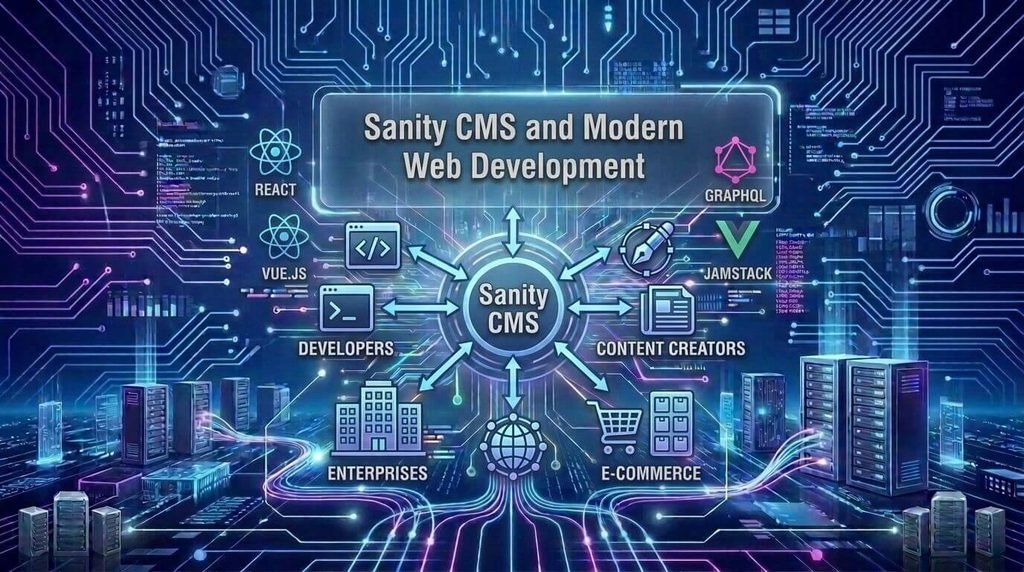
Sanity fits naturally into API-driven web development.
A typical architecture might look like:
Sanity → Content
Next.js → Frontend
Hosting platform → Deployment
This separation allows each component to serve a specific role.
For example, the content team can manage articles and product information in Sanity while developers build a custom frontend using Next.js.
Sanity provides documentation and integration paths for modern frameworks and development environments.
If you’re exploring the broader technologies shaping modern development, TechDigitalNet’s guide to technology trends in 2026 covers emerging developments including AI-native development.
Cloud infrastructure is another important part of modern web applications. You can also read our guide to cloud computing essentials for a broader explanation of cloud models, benefits, and deployment approaches.
For teams managing their own Studio deployment, Sanity also provides official Studio deployment documentation.
Who Should Use Sanity CMS?
Sanity may be a good fit for organizations that need flexibility in how content is structured and delivered.
Consider it if you’re:
- Building a SaaS platform
- Managing a large e-commerce catalog
- Running a content-heavy publication
- Building a multilingual digital experience
- Supporting multiple platforms
- Developing a custom web application
- Managing complex content relationships
- Working with an experienced development team
For example, a business that needs its product information on a website, mobile app, and internal sales tool may benefit from having a centralized content layer.
Who May Not Need Sanity CMS?
Not every website needs a headless CMS.
Sanity may be unnecessary if you’re building:
- A simple personal blog
- A basic portfolio
- A small local-business website
- A brochure website
- A simple informational site
- A project without developer resources
For example, a small home-repair company may only need several service pages, a contact form, business information, and occasional updates.
A traditional CMS could handle that without the additional complexity of a separate frontend and content API.
More flexibility doesn’t automatically mean a better solution.
How to Decide If Sanity CMS Is Right for Your Website
Before choosing Sanity, ask yourself these questions.
Do You Need Structured Content?
If your website has complex content types and relationships, structured content can provide significant value.
Will Your Content Be Used Across Multiple Platforms?
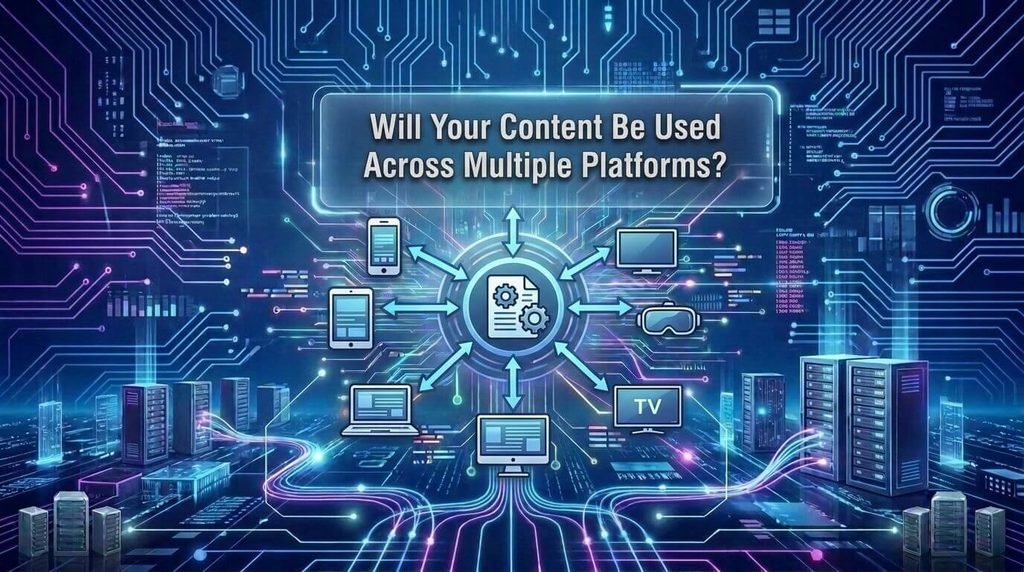
If the same information needs to appear on websites, mobile apps, or other digital products, a headless architecture may be useful.
Do You Have Developer Support?
Sanity gives developers substantial control, but that flexibility comes with technical requirements.
Do You Need a Custom Frontend?
If your project requires complete control over the frontend experience, Sanity can fit well into that architecture.
Will the Project Grow?
Think beyond today’s website.
A project that starts as a small content site may eventually need an app, customer portal, product catalog, or additional digital channels.
Could WordPress Already Solve the Problem?
This is an important question.
If a traditional CMS meets your requirements without significant compromises, adding another layer of technical complexity may not provide enough value.
Sanity CMS Alternatives
Sanity isn’t the only headless or flexible CMS available.
Depending on your requirements, you could also evaluate:
- WordPress
- Contentful
- Strapi
- Storyblok
- Prismic
- Directus
When comparing alternatives, look beyond feature counts.
Consider:
- Content modeling
- Editorial experience
- Developer experience
- API capabilities
- Integrations
- Pricing
- Hosting requirements
- Localization
- Scalability
- Documentation
- Long-term maintenance
A CMS that works extremely well for a development team may not be the easiest choice for a small business with limited technical resources.
Sanity CMS FAQ
What is Sanity CMS used for?
Sanity CMS is used to manage structured content for websites, applications, e-commerce platforms, publishing systems, SaaS websites, documentation, and other digital experiences.
Is Sanity CMS free?
Sanity provides different plans and usage levels, including an entry-level option. Because pricing, quotas, and included features can change, check the current official pricing information before making a purchasing decision.
Is Sanity CMS better than WordPress?
Neither platform is universally better. Sanity is designed for projects that benefit from structured content, headless architecture, and custom frontends, while WordPress can be practical for traditional websites, blogs, and projects where themes and plugins simplify development.
Is Sanity CMS a headless CMS?
Yes. Sanity uses a headless architecture in which content management is separated from the frontend presentation layer.
Does Sanity CMS require coding?
Content editors can manage content through Sanity Studio without writing code. However, creating schemas, connecting the CMS to a frontend, building integrations, and customizing the system generally require development knowledge.
What is Sanity Studio?
Sanity Studio is the customizable editing environment used to create, manage, and organize content in a Sanity project.
What is Sanity Content Lake?
Content Lake is Sanity’s structured content layer. Applications can query and use this content independently from the frontend that presents it.
What is GROQ in Sanity?
GROQ is Sanity’s query language for retrieving and shaping structured content.
Can Sanity CMS work with Next.js?
Yes. Sanity can be integrated with Next.js and other modern frontend frameworks, allowing developers to use Sanity for content management while building the frontend separately.
Is Sanity CMS good for e-commerce?
Sanity can be useful for e-commerce projects that need structured product content, custom frontend experiences, multiple digital channels, or complex content workflows. The overall architecture should still be evaluated against the store’s actual requirements.
Final Thoughts
Sanity CMS is a flexible option for teams that need structured content and control over the frontend experience.
Its headless architecture separates content management from presentation, allowing the same information to support websites, applications, and other digital experiences.
Sanity Studio gives editors a customizable environment for managing content, while Content Lake provides the underlying structured content layer. Developers can then retrieve that content through APIs and queries such as GROQ.
That flexibility can be valuable for SaaS businesses, publishers, e-commerce companies, and larger digital platforms.
However, Sanity isn’t automatically the right choice for every website.
If you’re building a simple blog or small business website, a traditional CMS may be easier to manage. If you’re building a complex digital product with structured content, custom frontends, multiple applications, or specialized workflows, Sanity may be worth considering.
Before choosing a platform, evaluate your content structure, development resources, frontend requirements, integrations, budget, expected growth, and maintenance needs.
The best CMS for your project is not necessarily the one with the most features. It’s the one that fits how your team actually creates, manages, and delivers content.